How to find and share an Overwatch replay code
ALright Coaching · · 3 min read
A replay code lets anyone watch one of your matches in their own game client. It's how you send a game to a coach or a teammate for review. Here is where to find it, and what to do when it doesn't work.
Where to find your replay code
- Open your Career Profile in the game.
- Go to History, then Replays.
- Pick the match and copy its replay code.
To watch a match someone else sent you, open the same Replays screen and use Import to enter their code.
Why a replay is missing
- You left before the match ended. The game only saves replays of completed matches.
- The list hasn't refreshed. Players report that replays can disappear from the list until you finish another match. Finishing a quick game, or a few minutes in the practice range, usually brings them back.
Why a code stops working
Replay codes don't survive game patches. After an update, older codes usually stop loading. That's why ALright asks for codes within 48 hours of the match: the sooner you send it, the less likely a patch gets there first.
What to do when the code is gone
Send a screen recording instead. It works just as well for a review. A few free ways to record on PC:
- Xbox Game Bar, built into Windows. Press Win + Alt + R to start and stop recording.
- NVIDIA ShadowPlay (the NVIDIA app), if you have an NVIDIA graphics card.
- OBS Studio, free and works with any hardware.
If you know a patch is coming, open the replay before the update and record it while it still loads.
Sending it to a coach
For a VOD review, open a ticket in the Discord server, paste the code (or upload the recording), and add a line on what you think went wrong. Notes come back within 72 hours.
FACEIT also has a short guide to sharing replay codes for match disputes.
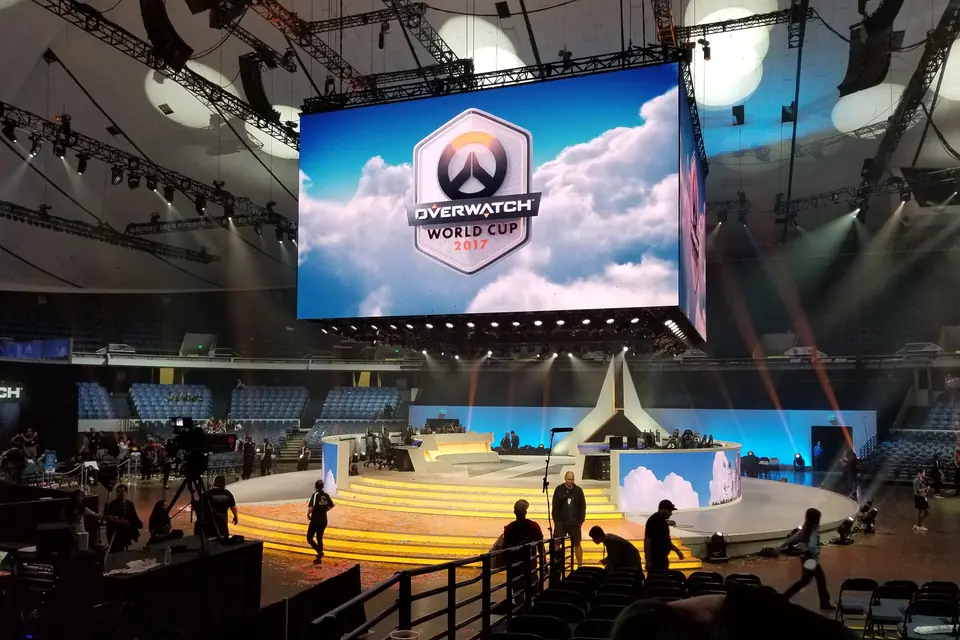
Photo: “2017 Overwatch World Cup Stage” by Twisted Nether, via Wikimedia Commons (CC BY 2.0). Cropped and resized. Shown for illustration; the people pictured are not affiliated with ALright Coaching.